
Struggling with IT issues while working remotely? Navigating the unique challenges of the remote environment, including the need for a stable internet connection, can make these problems even more complex. In this guide, we’ll explore the top 10 remote work IT problems and the fastest professional fixes. You’ll find quick solutions to internet issues, security risks, and more, ensuring you stay productive and connected.
Key Takeaways
- Stable internet connectivity is crucial for remote work productivity; consider using mobile hotspots, Ethernet connections, or upgrading your internet plan as effective solutions.
- Enhanced security measures, like two-factor authentication and VPN usage, are essential for protecting sensitive data in remote work settings.
- Employ project management tools and clear communication practices to track progress and maintain team cohesion across different time zones.
- Prioritize maintaining work life balance and supporting mental health to prevent decreased productivity. Set clear boundaries, encourage regular breaks, and provide access to mental health resources to help employees manage stress and avoid burnout while working remotely.
Onboarding and Training for Remote Teams
Onboarding and training are critical for setting remote workers up for success and ensuring remote employees feel connected to the remote team and company culture from day one. A well-designed onboarding process helps new hires understand company values, policies, and expectations, making their transition into remote work smooth and stress-free. Effective training also ensures that remote workers are equipped with the knowledge and skills they need to thrive, boosting productivity and job satisfaction across the board.
Professional Fix: Structured Virtual Onboarding Programs
A structured virtual onboarding program is essential for remote teams. By incorporating video calls, virtual team building activities, and interactive sessions, new remote employees can quickly get to know their team members and understand the company’s mission and values. These programs help new team members feel welcomed and supported, reducing confusion and helping them integrate into the remote team more effectively.
Professional Fix: Interactive Training Modules
Interactive training modules are a powerful way to engage remote workers and remote employees during the training process. These modules can cover everything from company policies to remote work challenges, best practices, and technology usage. By making training interactive and hands-on, remote workers are more likely to retain information and feel confident in their roles, leading to higher job satisfaction and better performance.
Professional Fix: Ongoing Skills Development
Continuous learning is key for remote workers to stay ahead in a rapidly changing work environment. Offering regular training sessions, webinars, and access to online courses encourages remote employees to develop new skills and stay updated on industry trends. This commitment to ongoing skills development not only enhances employee engagement but also supports the overall well being of remote workers, ensuring they remain motivated and prepared for new challenges.
Unstable Internet Connections
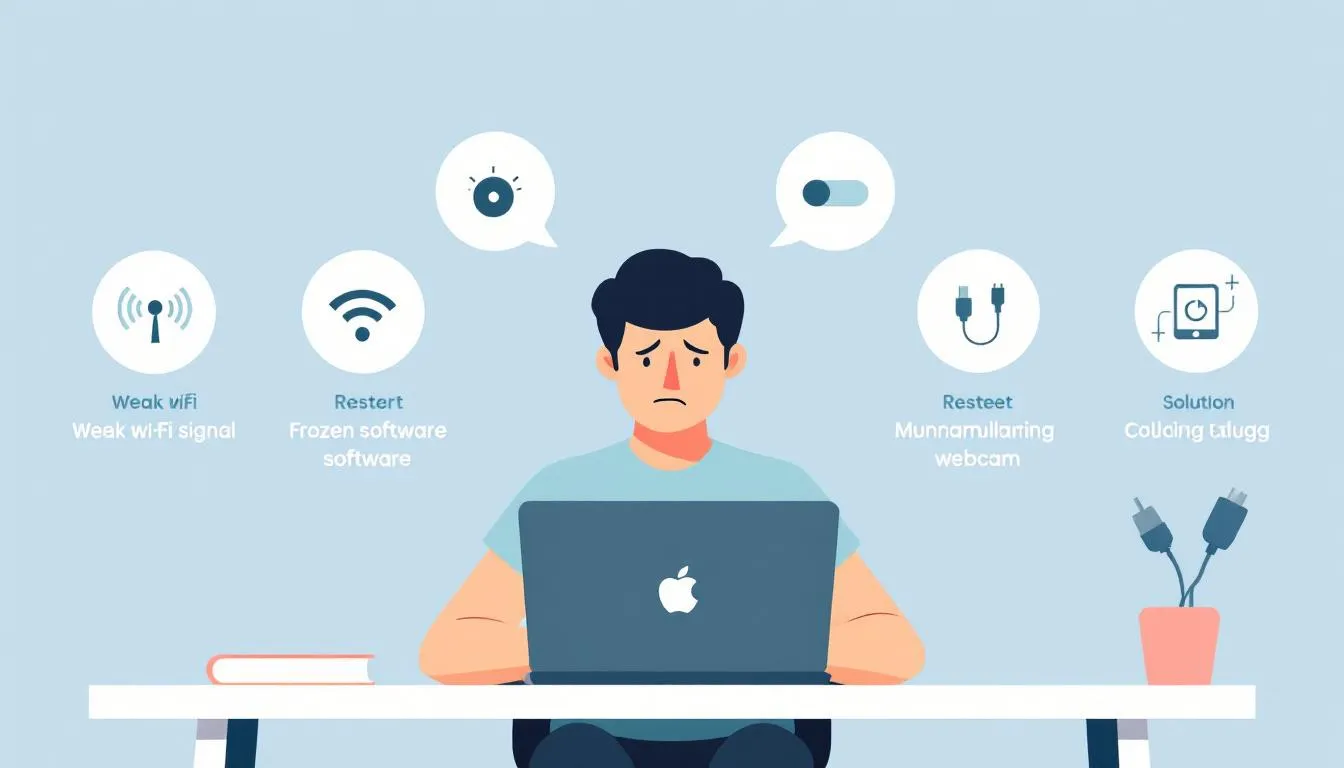
Unreliable internet connections can be the bane of any remote worker’s existence. Imagine trying to communicate with your team or attend a video conference, only to be interrupted by a shaky connection. It’s not just annoying; it can lead to significant productivity loss and hinder effective communication among remote teams. Unstable internet connections are a major factor in decreased productivity for remote workers, as frequent disruptions can slow down tasks and reduce overall work efficiency. Many employees struggle with internet connectivity because their companies do not provide managed services for home networks, leaving them to fend for themselves.
Proactive communication from IT can help remote workers anticipate and resolve connectivity issues before they impact productivity. Here are some professional fixes to maintain a stable internet connection and avoid technology hiccups.
Professional Fix: Use a Mobile Hotspot
A mobile hotspot can be a lifesaver when your primary internet connection fails. Tethering from a cell phone ensures consistent internet access, even during critical tasks. Investing in a mobile hotspot significantly reduces the risk of disruptions due to internet connectivity problems, keeping your productivity intact.
Professional Fix: Upgrade Your Plan
Sometimes, the simplest solution is the best one. Upgrading to a higher-tier internet plan can provide better speed and reliability, ensuring that your internet connection can handle the demands of remote work, which is essential for maintaining work life balance .
This small investment can pay off in the form of a more stable and efficient working environment.
Professional Fix: Ethernet Connection
For a more stable and faster internet connection, consider using an Ethernet cable instead of relying on Wi-Fi. Ethernet connections are less prone to interference and provide a consistent, high-speed connection that can significantly reduce disruptions.
An Ethernet cable can be a simple yet effective solution for unreliable internet connections, contributing to a distraction free workspace .
Security Risks and Data Protection

Security risks are a major concern in remote work settings. A security breach can result in data loss and financial risks, which can negatively impact the mental health of remote worker . Additionally, it can cause significant damage to a business’s reputation. Key types of data at risk include:
- Customer information
- Financial records
- Proprietary intellectual property
- Sensitive internal communications
The use of personal devices and public Wi-Fi increases cybersecurity risks for remote workers, making it essential to implement robust security measures.
Accessing company networks from unsecured locations significantly increases security risks for remote workers. Let’s explore some professional fixes that can help mitigate these risks and ensure data protection.
Professional Fix: Enable Two-Factor Authentication
Implementing two-factor authentication significantly decreases the likelihood of unauthorized access to accounts. By requiring a second form of verification, such as a text message or an authentication app, two-factor authentication greatly enhances account security.
Implementing two-factor authentication on all work-related accounts protects sensitive information from unauthorized access.
Professional Fix: Use a Virtual Private Network (VPN)
Using a VPN encrypts internet traffic and protects sensitive data from interception and unauthorized access. In remote work settings, where personal devices and unsecured networks are common, a VPN is crucial for maintaining data security and managing vpn traffic.
Remote access solutions like VPNs ensure employees can securely access necessary resources from anywhere through effective remote communication.
Professional Fix: Regular Security Training
Regular security training keeps remote employees informed about potential cyber threats. Ongoing training helps employees recognize and react to threats effectively, fostering a culture of vigilance and protecting sensitive information, allowing for personal time outside of work .
Technology Hiccups and Hardware Issues
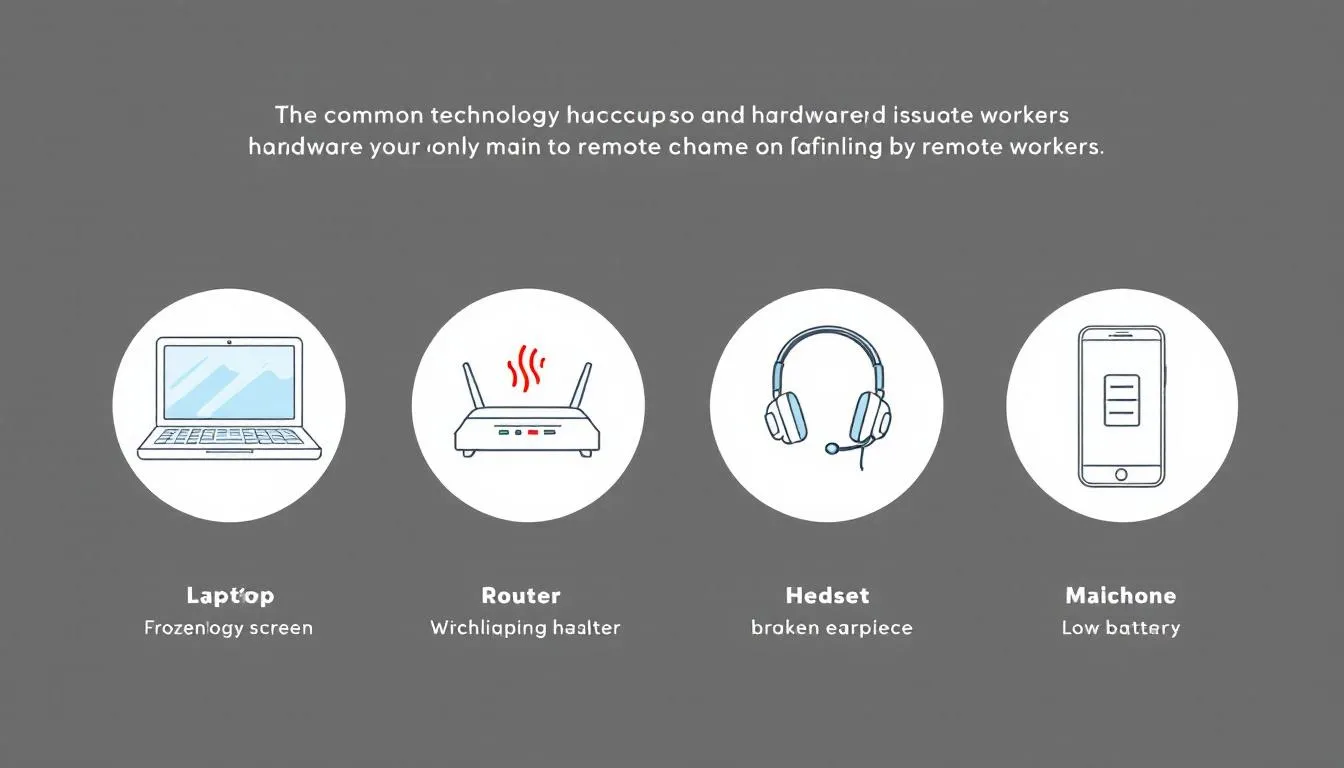
Technology hiccups can be a significant barrier to productivity. Common issues remote workers face include unreliable internet connections, outdated hardware, and software compatibility problems that can disrupt their workflow. As a remote worker, dealing with these unique challenges often means troubleshooting without immediate access to on-site IT support, which can make resolving issues more difficult.
Increased stress and lost productivity are exacerbated by the lack of immediate IT support for remote workers dealing with remote work technology issues and remote work challenges.
The rising demand for remote IT support is overwhelming in-house teams, leading to stress and burnout among help desk staff, which impacts their ability to assist a remote team of remote workers effectively.
Let’s explore some professional fixes and practical solutions that can help address these issues.
Professional Fix: IT Support Hotline
A dedicated IT support hotline provides immediate assistance with technical issues, facilitating quick resolutions and minimizing work disruptions.
Professional Fix: Regular Maintenance Checks
Regular maintenance checks keep hardware functioning effectively for remote workers. Identifying and resolving potential issues early ensures a smooth and productive remote working environment.
Professional Fix: Backup Devices
Having backup devices is essential for minimizing downtime during hardware failures. A backup computer or tablet can serve as a reliable substitute in case of primary hardware failure, ensuring that remote workers can continue their tasks without significant interruption.
Poor Communication Tools

Poor communication tools can lead to misunderstandings and feelings of isolation among remote teams. Effective communication tools are also essential for building relationships in remote work environments, helping team members connect, collaborate, and support each other’s career growth. Misunderstandings and feelings of isolation can occur in remote teams due to ineffective communication tools. Different communication platforms can result in issues like Zoom fatigue and information silos. Effective communication is crucial for productivity and avoiding misunderstandings, especially in remote settings.
Communication gaps can affect teamwork, causing delays and impacting project timelines. Here are some professional fixes to enhance communication and collaboration in remote teams.
Professional Fix: Unified Communication Platform
Implementing a unified communication platform like Microsoft Teams or Slack can streamline all communication channels and enhance collaboration. These platforms:
- Integrate various communication tools into a single interface
- Reduce the need for multiple software subscriptions
- Make it easier for remote workers to stay connected
Regular check-ins and virtual team-building activities can help maintain open lines of communication and team cohesion.
Professional Fix: Video Conferencing Best Practices
Training in video calls techniques helps to enhance clarity and engagement, making virtual interactions more effective. A video call can also be used to celebrate milestones and foster team cohesion in remote work environments.
Well-trained remote workers in video conferencing can lead to improved meeting outcomes and better team collaboration through virtual coffee chats.
Regular training sessions should be implemented to ensure continuous learning and ongoing career development of video conferencing skills among remote workers.
Professional Fix: Regular Check-Ins
Regular check-ins are essential in remote work settings to foster communication and build team cohesion. Implementing a unified communication platform like Microsoft Teams or Slack can streamline all communication channels, ensuring that team members stay connected and informed.
Regular updates and status meetings help monitor project progress and address any issues promptly.
Software Compatibility Issues
Software compatibility issues can disrupt workflow and hinder collaboration. Incompatibility between different software applications can lead to significant interruptions in remote work. Frequent software updates can help reduce compatibility issues that remote workers experience.
Unified communication platforms eliminate the need for multiple software subscriptions by integrating various communication tools into a single interface. Here are some professional fixes to address software compatibility issues and enhance productivity.
Professional Fix: Standardize Software
Standardizing software tools across an organization can resolve software compatibility issues and simplify technical support. Using the same collaboration tools enhances collaborative efforts and minimizes errors, facilitating easier collaboration among remote teams.
Professional Fix: Cloud-Based Solutions
Implementing remote access solutions like cloud services ensures:
- Employees can access necessary resources from anywhere, enhancing flexibility and collaboration.
- Standardizing tools in conjunction with cloud solutions promotes seamless file sharing and real-time collaboration.
- These improvements lead to increased efficiency and better workflow for remote teams.
Professional Fix: Integration Tools
Integration tools like Zapier automate workflows between applications, enhancing productivity and reducing compatibility issues. These platforms link different applications and streamline automated workflows, making task management easier for remote workers.
Lack of Access to Essential Resources
Lack of access to essential resources can significantly hinder productivity and job satisfaction among remote workers. Many remote workers face difficulties due to:
- incompatible software versions
- hardware malfunctions
- inadequate work equipment Access to resources like high-speed internet and appropriate work equipment directly affects productivity and job satisfaction. Having a dedicated office space is also crucial, as it helps establish clear work boundaries and supports a healthy work-life balance.
Here are some professional fixes to ensure remote workers have consistent access to essential resources. Joining local groups can also help remote workers build community and access additional resources.
Professional Fix: Provide Necessary Equipment
Providing necessary equipment, such as laptops, monitors, and ergonomic furniture, is crucial for enhancing remote workers’ productivity. Companies can ensure remote workers have the essential tools by providing company-owned devices or stipends for purchasing equipment.
This investment maintains high levels of productivity and job satisfaction, contributing to Overall Well Being.
Professional Fix: Remote Access Solutions
Using remote access tools, like VPNs and cloud services, can significantly enhance employees’ ability to work efficiently from any location. Regular training sessions on new software are beneficial for employees. They also help improve best practices for remote work, ensuring consistent access and productivity.
Professional Fix: Regular Resource Assessments
Conducting regular resource assessments is essential for identifying and addressing gaps in resource availability that can hinder remote work. Frequent evaluations help organizations adapt to the evolving resource needs of remote workers and ensure that all necessary tools and equipment are available.
Team Management and Leadership in Remote Settings
Managing a remote team comes with its own set of challenges, as remote workers often operate independently and may miss out on the face-to-face interaction that builds strong team bonds. Effective leadership in remote settings requires clear communication, realistic goal-setting, and a focus on building a sense of community among team members. By fostering a supportive environment, managers can help remote workers stay engaged, productive, and connected.
Professional Fix: Clear Remote Work Policies
Establishing clear remote work policies is crucial for remote teams to function smoothly. These policies should outline work hours, communication protocols, data security measures, and performance expectations, ensuring all team members are on the same page. Clear guidelines help remote workers maintain a healthy work life balance, provide consistent access to necessary resources, and reduce misunderstandings. Regular check ins and open communication channels further support remote workers, helping them feel connected and valued within the remote team.
Time Zone Differences
Managing team members across various time zones is vital for maximizing the benefits of a global workforce. Remote work can complicate employee monitoring, making it challenging for managers to ensure productivity and timely project completion. Different time zones of employees complicate scheduling in hybrid workplaces, leading to potential delays.
Here are some professional fixes to effectively manage time zone differences, especially when you need to work longer hours .
Professional Fix: Flexible Scheduling
Flexible scheduling ensures overlap in working hours for better collaboration and productivity. Promoting asynchronous communication allows team members to contribute at their convenience, which is essential for balancing work and personal commitments reducing delays from scheduling conflicts and improving connectivity among remote workers.
Professional Fix: Time Zone Management Tools
Time zone management tools, like World Time Buddy, offer several benefits:
- Simplify visualizing time differences
- Make it easier to schedule meetings with team members in different time zones
- Assist in understanding time differences for scheduling tasks
- Enhance productivity by reducing confusion related to scheduling across different time zones.
Professional Fix: Asynchronous Communication
Asynchronous communication methods, such as email and instant messaging, help mitigate delays caused by time zone differences. Encouraging asynchronous communication allows team members to respond when it suits them, reducing stress related to immediate response expectations and enhancing productivity.
Distractions at Home
Distractions at home can significantly impact productivity for remote workers. Common distractions include:
- Family
- Pets
- TV
- Household chores
- Social media
- Smartphones
When these distractions are not managed, the boundaries between work and personal life can blur, and home life fades, leading to increased stress and reduced efficiency for remote workers.
Household chores can divert attention from work, making it challenging to maintain focus. Effective strategies to manage distractions, such as setting clear work hours and maintaining discipline, are essential for boosting productivity and addressing poor time management, especially when it comes to high priority tasks.
Here are some professional fixes to create a more productive remote working environment.
Professional Fix: Dedicated Workspace
Creating a dedicated workspace is a crucial strategy for remote workers to stay focused. Having a specific workspace significantly reduces distractions and improves focus during work hours.
A focused workspace increases overall productivity and helps maintain balancing work better work life balance boundaries in an office setting personal life co working space.
Professional Fix: Inform Family Members
Setting clear boundaries helps minimize interruptions from family members during work hours. Informing family members about their own set of work hours is essential for reducing interruptions during remote work.
By having discussions about schedules and the importance of uninterrupted personal time, remote workers can enhance their focus and overall productivity while they work remotely, even if it means putting in longer hours.
Professional Fix: Productivity Tools
Using productivity tools that block distracting websites can help remote workers maintain concentration on their tasks. These tools are essential for staying focused and efficient in a co working space , improving task completion rates among remote workers.
Implementing distraction-limiting tools can significantly enhance productivity and help maintain a dedicated workspace.
Difficulty Tracking Project Progress
Tracking project progress can be challenging in remote settings, leading to delays and miscommunication. Time zone differences can lead to confusion in scheduling meetings and collaborative tasks within remote teams, decreasing productivity. Clear, measurable goals, regular performance reviews, and productivity tools can help maintain accountability and productivity in remote work. Managers should also encourage employees to adopt practices that support productivity and well-being, such as using recommended tools and maintaining open communication.
Here are some professional fixes to effectively track progress on project progress.
Professional Fix: Project Management Tools
Using project management tools can help keep projects on track and ensure accountability. Set clear milestones and deadlines to monitor progress and address any issues promptly.
Regular updates and status meetings help keep team members aligned with project goals and reduce misunderstandings.
Professional Fix: Clear Milestones
Establishing specific deadlines and milestones helps teams stay focused and accountable, improving project management. Well-defined milestones aid in maintaining focus and provide clear checkpoints for evaluating project progression, ensuring that teams stay on track.
Professional Fix: Regular Updates
Frequent updates and status meetings are essential for promptly addressing issues and keeping the project on course. Consistent status updates help reduce misunderstandings and keep remote teams aligned with project goals.
Regular meetings can significantly improve communication and ensure that all team members are on the same page.
Limited IT Support Availability
Limited IT support availability can hinder productivity for remote teams. Remote workers often face challenges in immediate troubleshooting due to limited access to IT support. Many organizations struggle with inconsistent technology support between remote and onsite workers, leading to increased stress and lost productivity.
Here are some professional fixes to ensure consistent IT support availability for remote workers.
Professional Fix: Remote IT Support Services
Partnering with remote IT support services can provide round-the-clock assistance to remote employees, ensuring quick resolution of issues and minimizing downtime. Having access to 24/7 IT support ensures that remote workers can get timely help, maintaining productivity and reducing stress.
Professional Fix: Self-Service Portals
Developing self-service portals with FAQs and troubleshooting guides empowers employees to resolve common issues independently. These portals can significantly improve efficiency and reduce reliance on IT staff, allowing remote workers to troubleshoot basic IT issues quickly.
Professional Fix: Proactive Communication
Proactive communication between IT teams and remote workers identifies and resolves potential issues before they escalate. Regular updates and open lines of communication build strong relationships and ensure remote workers feel supported and engaged.
Summary
In summary, remote work has brought numerous benefits but also presents unique challenges that require immediate attention. From unstable internet connections to security risks and poor communication tools, remote workers face a variety of IT problems that can hinder productivity. However, with the right professional fixes, these issues can be effectively addressed, ensuring a seamless and productive remote working experience.
By implementing solutions like mobile hotspots, two-factor authentication, unified communication platforms, and regular maintenance checks, remote workers can overcome these challenges and thrive in their roles. Addressing these remote work technology issues promptly and professionally is crucial for maintaining productivity and job satisfaction. Overcoming these challenges not only improves daily workflow but also supports career growth by enabling remote employees to focus on ongoing learning, networking, and professional development. Let’s embrace these solutions and make remote work a smoother, more efficient experience for everyone involved.
Frequently Asked Questions
What can I do if my internet connection is unstable during remote work?
If your internet connection is unstable during remote work, try using a mobile hotspot as a backup or connecting with an Ethernet cable for improved stability. Upgrading your internet plan can also make a significant difference!
How can I protect sensitive data while working remotely?
To protect sensitive data while working remotely, enable two-factor authentication and use a VPN to encrypt your internet traffic. Stay proactive by participating in regular security training to keep yourself informed about potential threats!
What should I do if I face technology hiccups and hardware issues while working remotely?
To tackle technology hiccups while working remotely, set up a dedicated IT support hotline and keep backup devices handy. Being proactive ensures you stay productive and can quickly overcome any hardware issues!
How can I improve communication and collaboration in my remote team?
To enhance communication and collaboration in your remote team, utilize a unified platform such as Microsoft Teams, keep video calls engaging, and schedule consistent check-ins. This approach will foster a connected and productive team environment!
What tools can help me track project progress effectively in a remote setting?
To effectively track project progress in a remote setting, leverage project management tools, establish clear milestones, and hold regular updates and status meetings to maintain accountability. Stay proactive, and you’ll see success in your projects!
Need Tech Help Now?
Get expert remote support for $100 per issue, no contracts and no hidden fees.
Schedule Your Session: https://bookings.direct-support.com/#/book or visit Direct-Support.com to get started.