
Struggling with IT management? This The Complete Guide to Remote Desktop Support for Small Businesses shows you how to improve productivity and cut costs when using a remote pc. For small businesses operating remotely, having effective remote assistance is crucial to ensure seamless support and efficient workflows. Learn about key features, setup tips, and security best practices.
Key Takeaways
- Remote desktop support enhances IT management efficiency by enabling technicians to diagnose and resolve issues remotely, reducing the need for on-site visits.
- Key features of remote desktop solutions include secure unattended access, cross-platform compatibility, and real-time monitoring, which collectively boost operational productivity.
- Small businesses benefit from remote desktop support through increased cost efficiency, enhanced security measures, and improved employee productivity, making it a vital IT tool.
Understanding Remote Desktop Support
Remote desktop support allows IT specialists to access and control one computer from another location, enabling them to diagnose and troubleshoot devices remotely, which boosts efficiency and productivity. As businesses expand and adopt remote work, the importance of remote desktop support grows due to the increased complexity of IT support.
IT technicians primarily utilize remote desktop support software to streamline their troubleshooting and support processes. This method enables access to files and applications for troubleshooting without the need for on-site visits, thus improving operational resilience, user experience, and scalability in IT services operations.
Employees also benefit from remote desktop support as it allows them to access files necessary files and settings while working remotely. For small businesses operating remotely, remote desktop support is essential to ensure they receive the necessary IT assistance regardless of their location.
Types of Remote Desktop Support
Remote desktop support solutions are primarily classified into attended and unattended types. Attended remote support involves the client being present to grant access, whereas unattended remote support allows access without user intervention. This distinction is crucial as it determines the level of flexibility and responsiveness that IT teams can achieve.
Unattended remote support is particularly beneficial for ongoing maintenance, updates, and issue resolution without having IT personnel on-site. IT management relies heavily on unattended support as it enables proactive maintenance, ensuring systems are consistently monitored and issues are addressed as they arise.
Solutions like RemoteToPC software are commonly used for using remote unattended access to remote computers and remote access tools.
How Remote Desktop Support Works
The primary technology behind remote desktop services is the Remote Desktop Protocol (RDP), along with additional protocols like VNC and SSH. Remote desktop support software connects a remote device to a host computer via the internet or an internal network. This connection requires the installation of the software on both the host and the remote devices.
These remote support tools provide features such as file and clipboard sharing, audio access, and allow technicians to control the host desktop from a remote computer. By seeing the user’s screen and capturing inputs, support agents can effectively troubleshoot and resolve issues, making remote desktop support an invaluable asset for IT management.
Key Features of Remote Desktop Software
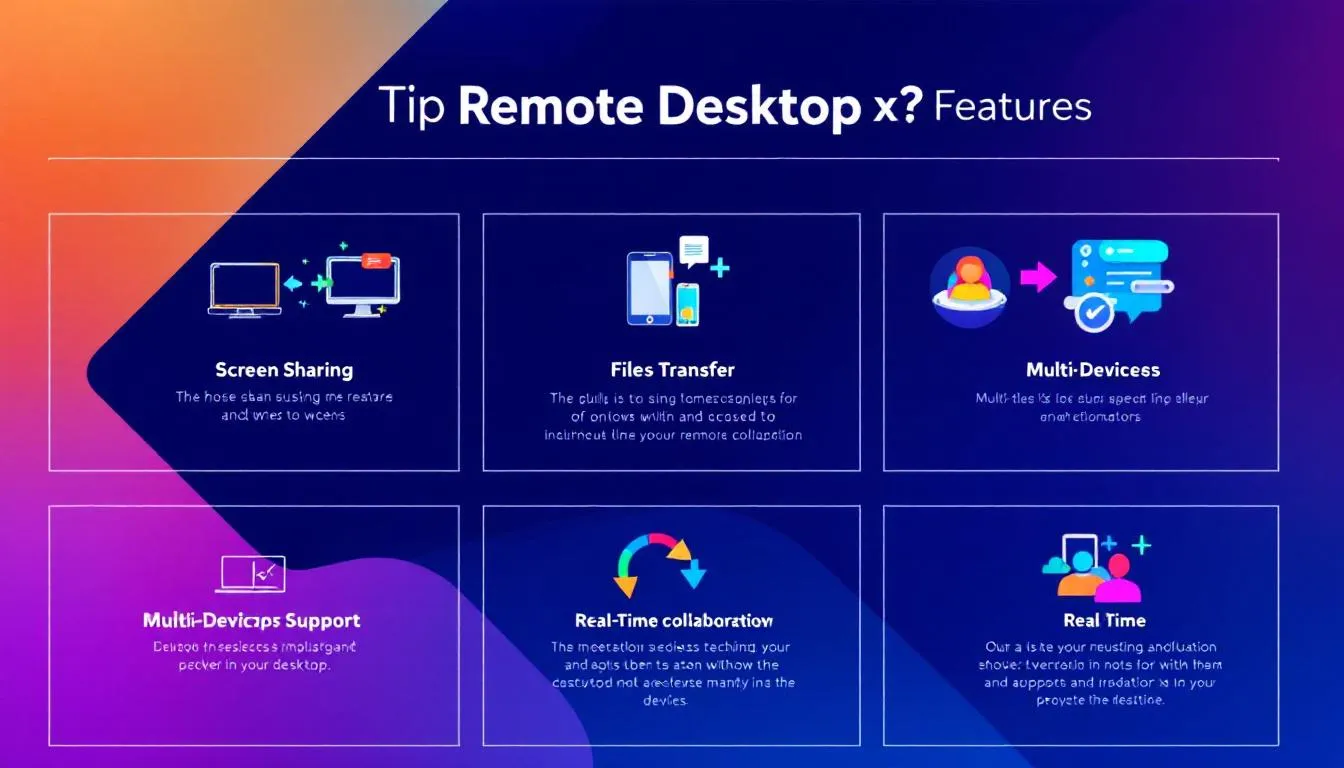
Key features to look for in remote desktop services solutions include secure unattended access, cross-platform compatibility, real-time monitoring, and alerts.
These features collectively ensure that remote desktop support is both effective and user-friendly, providing a seamless experience for both IT teams and end-users.
Cross-Platform Compatibility
Remote desktop software’s compatibility with various operating systems is crucial for enabling access from diverse work environments. Remote desktop support software can operate on multiple platforms, including:
- Windows
- macOS
- Android This facilitates a wide range of accessibility, ensuring that all employees, regardless of their device, can access necessary resources through an operating system.
Remote desktop support can access multiple types of various devices such as PCs, Macs, iOS, and android device, safeguarding company data and enhancing flexibility in remote troubleshooting. Some remote desktop solutions require installation on both the host and the remote devices, while others may only need installation on the host, making it easier to set up and use.
Secure Unattended Access
Unattended access allows IT support to perform maintenance and troubleshooting tasks without requiring the user to be present. This is essential for maintaining productivity in a remote work environment as it ensures that IT issues can be resolved promptly.
Security features critical for remote desktop providers include:
- Multi-factor authentication
- End-to-end encryption
- Flexible access controls for users to manage remote access permissions
- Unattended access through password protection, eliminating the need for manual session acceptance.
Real-Time Monitoring and Alerts
Real-time monitoring is a crucial aspect of remote desktop support, enabling IT teams to stay ahead of potential technical issues. Continuous system monitoring, including session recording, is essential for timely identification and resolution of potential issues, enhancing overall IT management.
Proactive identification and resolution of issues through real-time monitoring lead to improved IT management, reducing downtime and increasing productivity. This means that businesses operating can operate more smoothly and efficiently with fewer interruptions.
Mobile Device Support
In today’s fast-paced business environment, supporting mobile devices is essential for small businesses and medium sized businesses alike. Modern remote desktop software extends its capabilities beyond traditional computers, offering robust mobile device support that empowers IT teams to provide instant support and system maintenance for employees on the go.
With remote desktop solutions, technicians can remotely access, control, and troubleshoot mobile devices, including smartphones and tablets, regardless of their physical location. This means that whether your team is using Android or iOS operating systems, IT support can quickly resolve issues, transfer files, and perform necessary updates without interrupting business operations. The ability to manage multiple devices simultaneously ensures that businesses operating with a mobile workforce remain productive and agile.
Mobile device support is particularly valuable for businesses with employees who rely on mobile devices for daily tasks, as it minimizes downtime and ensures seamless access to critical resources. By integrating mobile device support into your remote desktop strategy, your business can enhance operational efficiency, reduce response times, and maintain a high level of service for all users, no matter where they are working.
Benefits of Remote Desktop Support for Small Businesses
Remote desktop support offers numerous benefits for small businesses, including cost efficiency, enhanced security, and increased productivity. These advantages make it a valuable tool for businesses looking to optimize their IT management and overall operations. For small businesses operating remotely, these benefits are especially crucial, as efficient remote support is essential to maintain productivity and security.
Cost Efficiency
Remote desktop support allows businesses to save significantly on travel costs by providing remote access for IT troubleshooting. Utilizing remote desktop support eliminates travel requirements, enabling IT staff to access devices from anywhere, including a mobile device thus reducing operational costs.
Choosing an affordable remote desktop solution can lead to cost savings of up to 75% compared to traditional IT support methods. Outsourcing remote desktop support can help businesses save between 30–50% on operational costs, making it a cost-effective solution for small businesses.
Enhanced Security
Enhanced security in remote desktop support is crucial for protecting sensitive data and ensuring compliance. End-to-end encryption is a crucial security feature in reliable remote desktop software, preventing unauthorized access by encrypting data.
Two-factor authentication adds an additional layer of security by requiring both a password and a mobile device. Remote support solutions use various access controls to safeguard business data and ensure that only authorized users have access.
Increased Productivity
Remote desktop support minimizes downtime by enabling instant support and seamless access to work resources, allowing employees to use remote solutions and focus on their core tasks.
Unified desktop support software offers the following benefits:
- Allows staff to focus on important tasks, enhancing employee productivity.
- Provides a better remote working experience and access to technology.
- Enables employees to work from anywhere with internet access.
Business Data Protection
Protecting sensitive data is a top priority for businesses operating in an increasingly digital and remote landscape. Remote desktop solutions are designed with advanced security protocols to safeguard business data during remote sessions, ensuring that only authorized users can access company resources.
Key security features of remote desktop software include end-to-end encryption, which secures data transmission between remote devices and host computers, and two-factor authentication, adding an extra layer of protection by requiring verification through a mobile device. Access controls allow administrators to define who can access specific systems, further reducing the risk of unauthorized entry and data breaches.
Additionally, remote desktop solutions often provide session recording and auditing capabilities, enabling businesses to monitor remote sessions and ensure compliance with company policies and service level agreements. These features not only help protect sensitive data but also provide a clear record of all remote access activities, supporting accountability and transparency.
By using remote desktop solutions, businesses can implement cost effective solutions for data protection, reducing reliance on physical IT infrastructure and minimizing the risk of data loss due to human intervention. With robust security protocols in place, small businesses can confidently use remote access tools to support their operations while maintaining the integrity and confidentiality of their business data.
Setting Up Remote Desktop Support
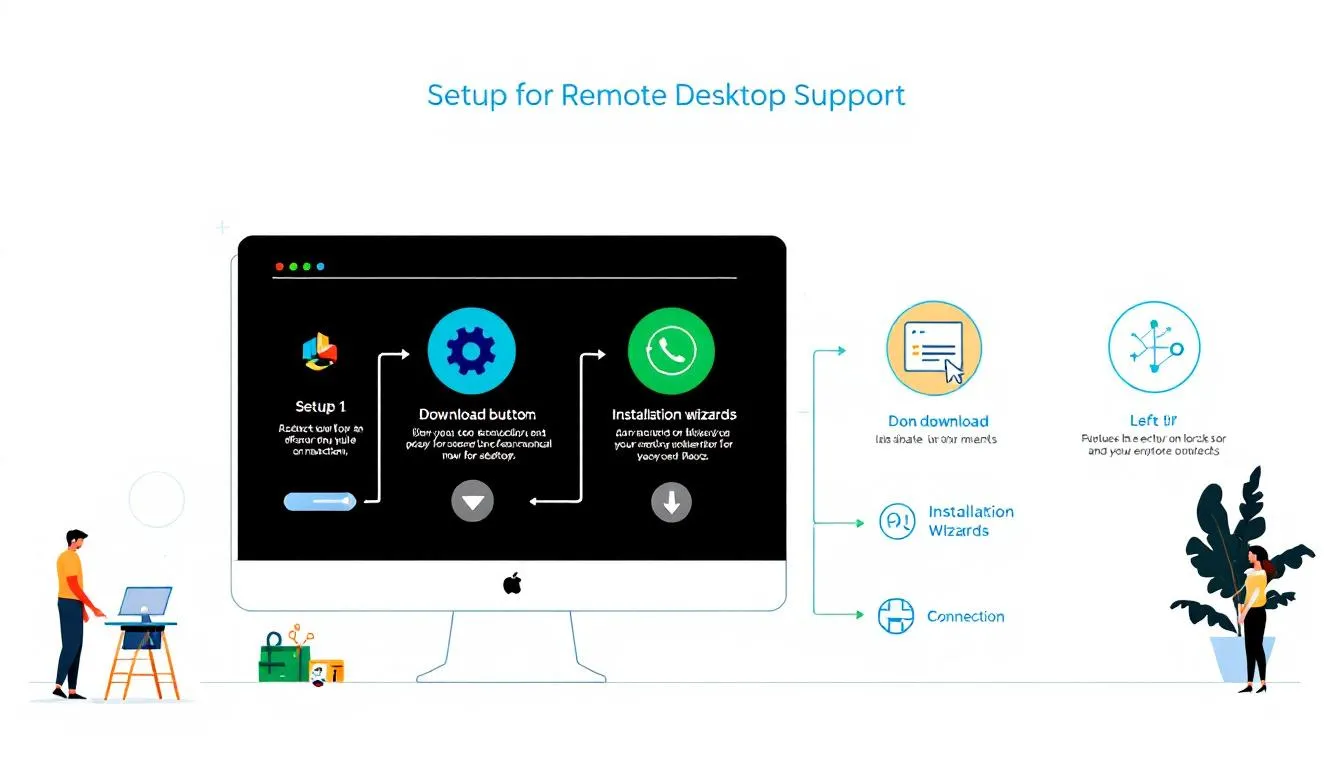
Setting up virtual desktop infrastructure for remote desktop support involves choosing the right software, installing and configuring it correctly, and following best practices for security.
This ensures that your business can fully leverage the benefits of remote desktop support while maintaining a secure and efficient IT environment.
Choosing the Right Software
Before selecting remote access software, identify the use case for remote work, IT support, or project collaboration. When selecting remote access software, evaluate features to ensure they align with your company’s needs and budget.
Assessing pricing ensures the selected software aligns with your business budget, maximizing value without overspending.
Installation and Configuration
Configuring remote desktop access typically involves enabling the necessary settings on host machines to allow incoming connections. Windows Pro operating systems support built-in remote desktop access features, making them suitable for small business implementations.
Splashtop allows users to wake devices from sleep mode remotely, enhancing usability. Regular updates and maintenance can be performed remotely, ensuring efficient system performance without disrupting business operations.
Best Practices for Security
The chosen remote access solution should comply with security standards and employ robust protocols to ensure a secure connection. During the setup of remote desktop access on Windows Pro for mobile devices , aspects such as performance, security, and manageability are emphasized.
Implement security best practices such as using strong passwords, enabling two-factor authentication, and keeping software updated to ensure secure remote access. This helps protect sensitive data and maintain the integrity of your business operations.
Common Use Cases for Remote Desktop Support
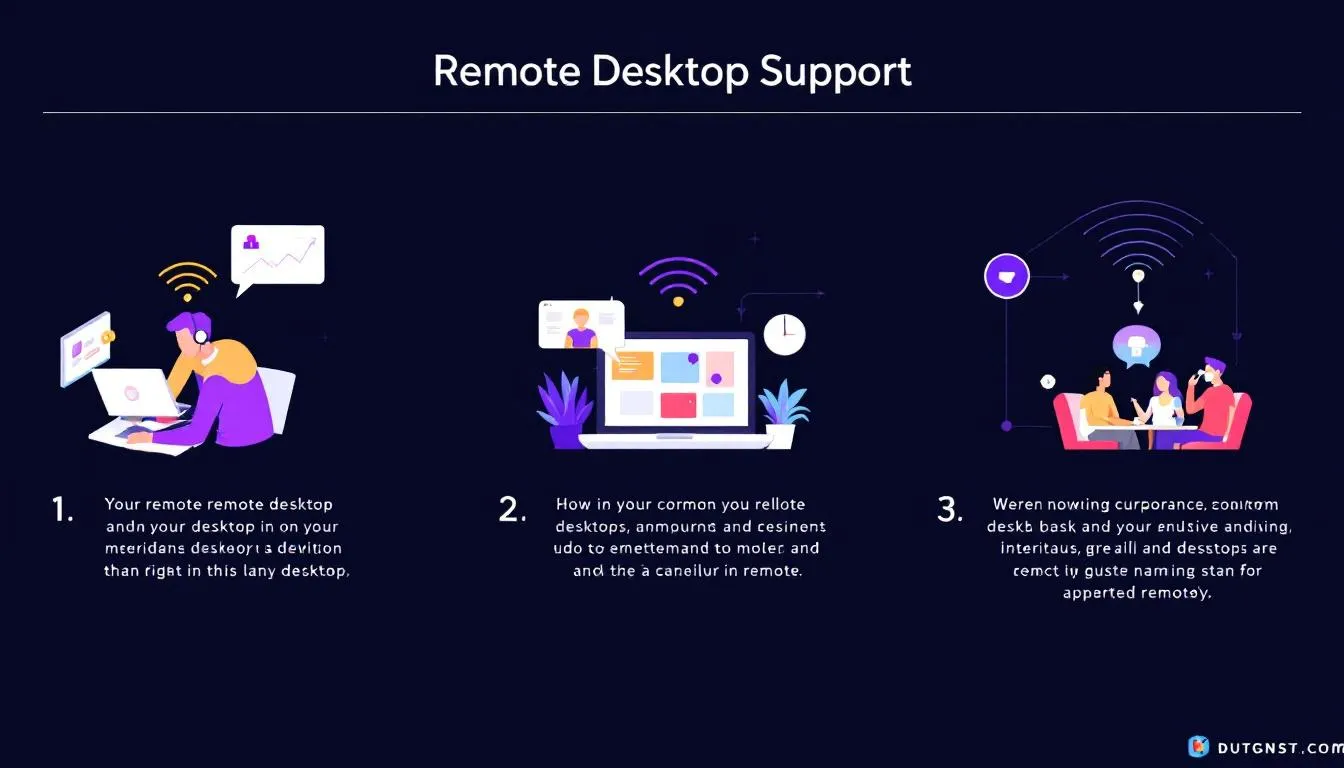
Remote desktop solutions allow employees to access their work devices from any location, promoting flexibility. Common use cases for remote desktop support in small businesses include IT troubleshooting, enabling remote work, and performing system maintenance.
IT Troubleshooting
Remote desktop support enables IT professionals to diagnose and fix issues quickly without needing to be physically present. This is essential for IT teams tasked with troubleshooting technical issues efficiently, minimizing downtime and providing instant solutions.
Remote desktop support enhances overall operational efficiency, ensuring technical issues do not disrupt business operations, leading to a smoother workflow and less employee frustration.
Remote Work Enablement
Remote access has become essential for improving employee flexibility and productivity. Remote desktop support allows employees to remotely access digital items and IT resources during a remote session while collaborating with the support team, facilitating seamless business continuity and remote connections.
Employees can benefit from a better work-life balance through the flexibility provided by remote access. Collaboration is also enhanced by features like file sharing and screen mirroring, allowing teams to work together effectively from different locations and even from a distant location.
System Maintenance
Regular system maintenance is critical for identifying and resolving issues proactively, thereby preventing downtime and ensuring efficient business operations. Remote desktop support enables IT teams to perform maintenance tasks like software updates, troubleshooting, and system checks without needing human intervention on-site.
Performing updates remotely saves time and resources, allowing IT staff to manage multiple systems simultaneously while minimizing disruptions to users. This ensures that systems remain secure and operational.
Overcoming Challenges in Remote Desktop Support
Challenges that can arise from deploying remote desktop support software include user installations without approval, connectivity issues, and cybersecurity risks.
However, these challenges can be effectively managed with the right strategies and tools.
Cybersecurity Risks
Security is a significant concern in remote desktop support due to direct access to vital systems and sensitive information. Security considerations in remote desktop access can pose risks such as unauthorized access to systems, data breaches, and exposure of sensitive information.
Organizations can reduce cybersecurity risks by blocking all RDP connections outside the corporate network. Adhering to mitigation strategies is crucial to protect against potential cybersecurity threats in remote desktop support.
Connectivity Issues
Verifying that the Remote Desktop Protocol (RDP) listener is operational on port 3389 is crucial for establishing connections. Checking for conflicting applications that may be using the same RDP port is essential for resolving connectivity problems.
Addressing connectivity issues is crucial to maintaining effective remote desktop support, as interruptions can hinder productivity. Mitigating connectivity issues involves regular checks of the RDP listener status and monitoring for application conflicts.
User Training
Providing training for users on security protocols can significantly improve the overall safety of remote desktop sessions. Effective training can significantly reduce the risk of user errors that lead to security vulnerabilities in remote desktop environments.
Training employees on remote desktop best practices enhances their ability to manage connections securely. Regular training sessions on new tools and updates ensure users are familiar with the latest features and security protocols.
Top Remote Desktop Software for Small Businesses
RealVNC Connect and RemotePC are known for providing the best remote access solutions tailored for small businesses. These tools enable small businesses to manage IT issues efficiently while tackling complex projects and supporting remote work capabilities.
TeamViewer
TeamViewer has been downloaded on more than 2.5 billion devices, illustrating its widespread use and trustworthiness among users. It offers robust remote desktop access, file transfer, and screen sharing capabilities, making it a reliable choice for small businesses.
TeamViewer supports multiple users and global teams, allowing IT teams and the support team to collaborate effectively. Its comprehensive feature set ensures that remote workers can stay connected and productive.
AnyDesk
AnyDesk enables users to print documents remotely to a local printer from any location, enhancing productivity and streamlining workflows for small businesses. It provides various capabilities for efficient remote support and is known for its ease of use.
AnyDesk’s remote printing capability can significantly improve the efficiency of business operations, allowing employees to access and print important documents from anywhere.
Splashtop
Splashtop offers products for remote access and support, including Splashtop Business Access and Splashtop Enterprise. It provides a fast, simple, and secure remote access approach, compliant with various security standards. The platform includes a remote printing feature that allows users to print files from remote locations.
With over 30 million users and more than 800 million remote sessions conducted, Splashtop is a trusted solution for small businesses.
Evaluating Remote Desktop Support Providers
Outsourcing remote desktop support can lead to faster scaling, lower costs, and consistent customer experiences. It’s important to evaluate providers based on their qualifications, service level agreements (SLAs), and customer reviews to ensure you’re getting the best support for your business needs.
Assessing Provider Qualifications
Contacting references is essential to verify the vendor’s claims about their qualifications. When meeting with potential remote desktop support providers, it’s important to ask about their specific qualifications and ensure they have state-of-the-art equipment and software.
Research should include checking the provider’s portfolio, client details, and testimonials to understand their track record. Assessing provider qualifications is crucial to ensure reliable support and to avoid potential risks.
Understanding Service Level Agreements (SLAs)
SLAs should specify not only response times but also the performance metrics expected from remote support providers. Timely response is essential for maintaining customer satisfaction, which is why SLAs clearly delineate required response times from providers.
SLAs ensure that businesses receive reliable and timely support services, helping to maintain operational effectiveness in remote desktop support. They establish expectations for service quality and reliability in remote support services.
Customer Reviews and Testimonials
Customer feedback is crucial for assessing the quality and reliability of remote desktop support providers. Positive customer reviews often indicate a provider’s commitment to quality service and customer satisfaction. User feedback can include:
- Customer reviews, which reflect commitment to quality service and satisfaction
- User ratings, offering insights into efficiency
- Testimonials, highlighting the effectiveness of support capabilities
Evaluating customer feedback can be a decisive factor for small businesses in selecting reliable remote desktop support providers.
Summary
Remote desktop support offers significant benefits for small businesses, including cost efficiency, enhanced security, and increased productivity. By understanding how it works and setting it up correctly, businesses can leverage this technology to streamline their IT management and improve overall operations.
Investing in the right remote desktop software and following best practices for security and user training can help businesses overcome challenges and maximize the advantages of remote desktop support. As you move forward, including using a mobile phone for remote support consider the insights provided in this guide to make informed decisions and boost your business’s efficiency.
Frequently Asked Questions
What is remote desktop support?
Remote desktop support allows IT professionals to access and control a computer from a different location, enabling them to diagnose and troubleshoot issues efficiently without being physically present. This capability enhances support effectiveness and minimizes downtime for users.
What are the types of remote desktop support?
Remote desktop support is primarily classified into two types: attended and unattended. Attended support requires the client’s presence, whereas unattended support allows access without the user’s involvement.
How does remote desktop support work?
Remote desktop support works by connecting a remote device to a host computer over the internet or a local network, requiring compatible software installed on both ends. It employs protocols such as RDP, VNC, and SSH to facilitate this connection.
What are the key features to look for in remote desktop software?
When choosing remote desktop software, prioritize secure unattended access, cross-platform compatibility, real-time monitoring, and alert features for optimal performance and security.
How can remote desktop support benefit small businesses?
Remote desktop support enhances cost efficiency, improves security, and boosts productivity, making it an essential resource for small businesses to optimize their IT management and operations.
Need Tech Help Now?
Get expert remote support for $100 per issue, no contracts and no hidden fees.
Schedule Your Session: https://bookings.direct-support.com/#/book or visit Direct-Support.com to get started.