
Understanding the key differences between residential vs business IT support: key differences you should know is crucial for making the right choice for your needs for businesses operating in different sector . Residential IT support helps with personal tech issues like slow computers or home network setups, while business IT support manages more complex needs, including cybersecurity and system management. This article delves into the essential distinctions between residential and business IT support, highlighting what you need to know.
Introduction to IT Support
In today’s fast-paced business world, having reliable IT support is essential for maintaining smooth business operations and supporting a company’s growth. As businesses expand, the need for a robust IT infrastructure becomes even more critical to ensure that daily operations run without disruption. IT support plays a vital role in providing technical assistance, managing IT systems, and safeguarding the company’s digital assets.
There are several ways businesses can approach IT support, each with its own set of benefits and challenges. Many businesses choose to build an in-house team, giving them full control over their IT infrastructure and the ability to address issues quickly with staff who understand their unique systems. However, maintaining an in-house team can be costly, especially for small businesses facing budget constraints or those without the resources to hire dedicated IT experts.
Alternatively, outsourcing IT support to a managed service provider offers a cost-effective solution, granting access to a team of IT professionals who can provide technical assistance and support services as needed. Outsourced IT support can deliver significant cost savings, especially for businesses that want to avoid the overhead of hiring and training an internal team. Managed service providers often offer remote support and cloud services, allowing businesses to access help from anywhere and scale their IT resources as the business grows.
Remote support is another popular option, enabling companies to receive technical assistance without the need for on-site visits. This approach is particularly beneficial for businesses with distributed teams or those looking to minimize downtime and maximize efficiency.
When deciding between in-house and outsourced support, businesses must consider several factors, including their budget, the complexity of their IT systems, and the level of control they wish to maintain. While in-house teams offer direct oversight and alignment with company culture, outsourced providers can bring specialized expertise and flexibility that may be challenging to achieve internally.
Ultimately, the main benefits of IT support—whether in-house, remote, or outsourced—are to provide technical assistance, enhance security, and ensure the reliability of IT systems. By carefully weighing the key differences and evaluating their unique needs, businesses can make an informed decision that supports their long-term success and helps them navigate the challenges of today’s technology-driven landscape.
Key Takeaways
- Residential IT support focuses on individual tech needs, while business IT support encompasses complex solutions for organizations, such as network management and cybersecurity.
- Outsourced IT support offers businesses budget friendly options along with flexibility and scalability, providing immediate assistance and access to specialized expertise that residential support typically lacks.
- Service Level Agreements (SLAs) are crucial for outlining expectations in IT support, ensuring accountability, and accommodating evolving business needs.
IT Support Models
IT support models play a crucial role in how businesses manage their IT infrastructure and maintain smooth business operations for their employees . The main options available include in-house teams, outsourced IT support, and managed service providers, each offering unique benefits and challenges.
An in-house team provides dedicated support services during standard business hours, giving businesses full control over their IT systems and the ability to address issues quickly with staff who are familiar with the company’s infrastructure. This model is often preferred by larger organizations that require a high level of oversight and immediate technical assistance. However, maintaining an in-house team can be costly, especially when factoring in salaries, training, and ongoing development.
Outsourced IT support and managed service providers offer a more flexible and cost-effective solution, particularly for small businesses facing budget constraints when considering outsourced support . These providers deliver remote support and can provide technical assistance around the clock, ensuring that IT systems are monitored and maintained even outside regular business hours. Outsourcing allows businesses to access a broader range of expertise and advanced technologies without the overhead of hiring a full in-house team.
When choosing the right IT support model, businesses should carefully consider their specific needs, the complexity of their IT infrastructure, and the level of control they wish to maintain. For example, a small business might benefit from the cost savings and scalability of outsourced IT support, while a larger enterprise may opt for an in-house team to provide tailored support services. Ultimately, the right model will depend on the company’s size, operational requirements, and long-term goals.
Understanding Residential IT Support
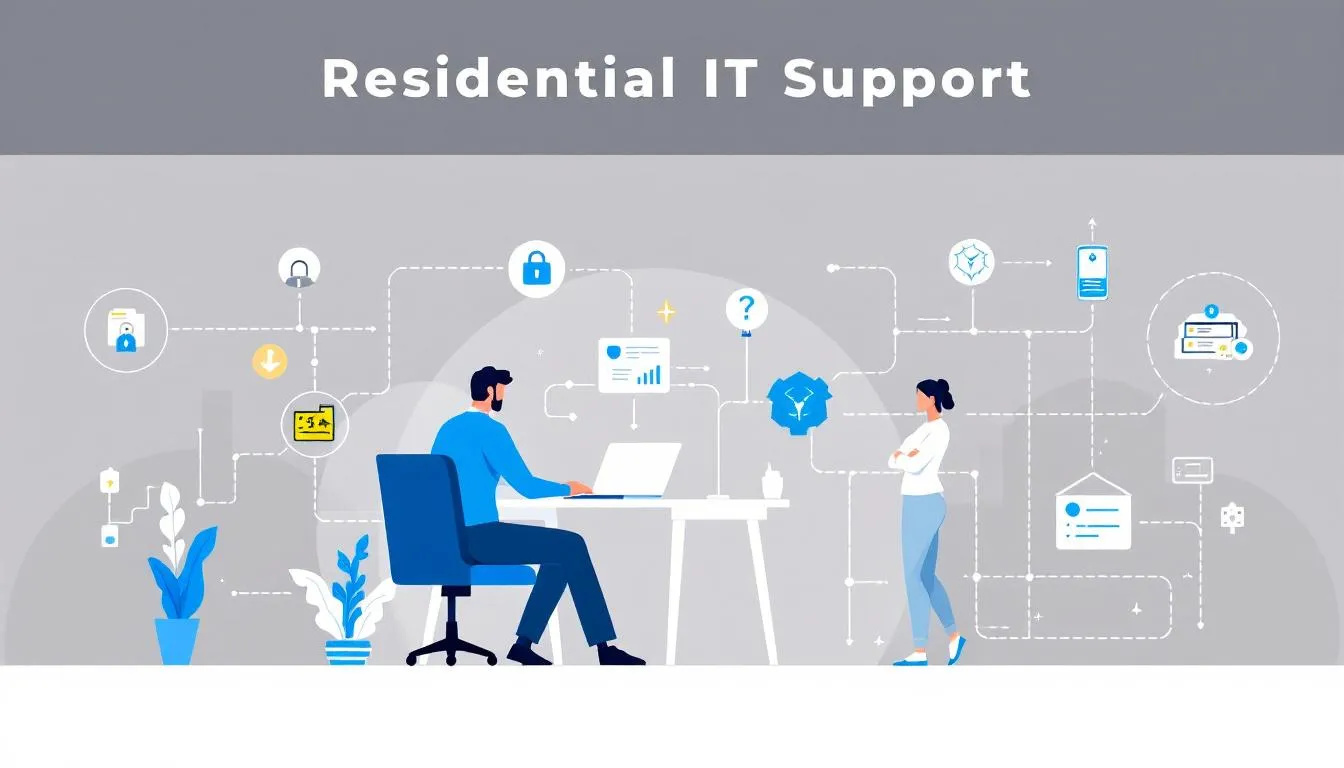
Residential IT support encompasses various services designed to assist homeowners with their technology, including tech support:
- Troubleshooting slow computers or unstable Wi-Fi connections
- Setting up and maintaining devices
- Computer repairs
- Setting up home networks
- Data recovery
- Virus removal
Residential IT support also frequently assists with setting up and maintaining home office environments, ensuring reliable connectivity and device integration for remote work.
These services are crucial for maintaining a functional home tech environment and ensuring that your technology runs smoothly in daily life.
Common issues addressed by residential IT support include slow device performance, connectivity problems, and software issues that assist employees in their daily task . If your computer frequently crashes, your internet connection is spotty, or your devices are running slower than usual, these are clear indicators that you might need residential IT support. Regular maintenance, such as software updates and data backups, is essential for extending the lifespan of your home technology.
One of the significant advantages of residential IT support is the availability of remote access services. This means that many issues can be resolved quickly without the need for an on-site visit, saving time and reducing inconvenience. Whether you’re dealing with a minor glitch or a more severe problem, tech experts are just a call away, ready to provide the technical assistance you need.
Key Features of Business IT Support
In the business world, IT support takes on a more complex and comprehensive role. A managed service provider is an essential partner for businesses, enhancing efficiency and reducing operational costs through specialized IT management. These providers offer a wide range of services, including network management, cloud services, and cybersecurity measures tailored to meet the specific needs of their clients.
Business IT support teams also assist employees by providing on-site or remote help with technical issues, ensuring staff can work efficiently.
On-site assistance for businesses often involves:
- Managing complex IT infrastructure, which is far more intricate than residential setups.
- Disaster recovery and business continuity planning to ensure organizations can quickly recover from disruptions and continue operations with minimal downtime.
- Employing proactive monitoring strategies to identify potential IT issues before they disrupt business operations, allowing for a smoother and more efficient workflow to support operations.
Using managed IT services allows businesses to:
- Adopt advanced technologies without significant upfront investments.
- Utilize robust data management solutions to ensure compliance and security, vital for handling sensitive information. Business IT support must also address industry-specific compliance requirements to ensure legal and regulatory adherence.
- Access scalable cloud computing services to accommodate growing needs, unlike residential users who might not require such extensive resources.
Scope of Services: Residential vs Business
The scope of IT support services varies significantly between residential and business environments. In business settings, IT support often includes advanced services such as cloud services and tailored IT infrastructure management to support the complex needs of the organization. On the other hand, residential support focuses on individual tech needs, like setting up home networks and repairing personal devices.
Many businesses rely on remote IT support for its efficiency and popularity. Businesses have the flexibility of accessing both on-site and remote IT support options, providing them with the ability to address technical issues efficiently. Outsourcing IT support offers several advantages:
- Allows businesses to tap into an expert workforce
- Provides access to the latest technology
- Eliminates the need for in-house staff
- Can be both cost-effective and efficient
Remote access services are ideal for providing quick fixes to software issues during business hours , reducing downtime and ensuring that minor problems are resolved rapidly without waiting for on-site visits.
While on-site IT support incurs additional expenses such as travel and vehicle rental costs, it ensures that urgent issues are addressed promptly through immediate physical intervention.
Service Level Agreements (SLAs)
Service level agreement (SLAs) are essential for clarifying service expectations and responsibilities between providers and clients. These agreements are crucial for setting clear performance standards, ensuring accountability, and managing expectations on both sides. Regular updates to SLAs are necessary to adapt to changing business needs and technological advancements.
Different types of SLAs, such as Customer-based, Internal, and Multilevel SLAs, serve various purposes. Effective SLAs include clear definitions of performance metrics, penalties for non-compliance, and legal terms such as indemnification clauses to protect clients from potential losses due to service failure.
Setting clear cancellation conditions within SLAs helps manage expectations and provides a structured approach to ending the service if needed.
Cost Differences
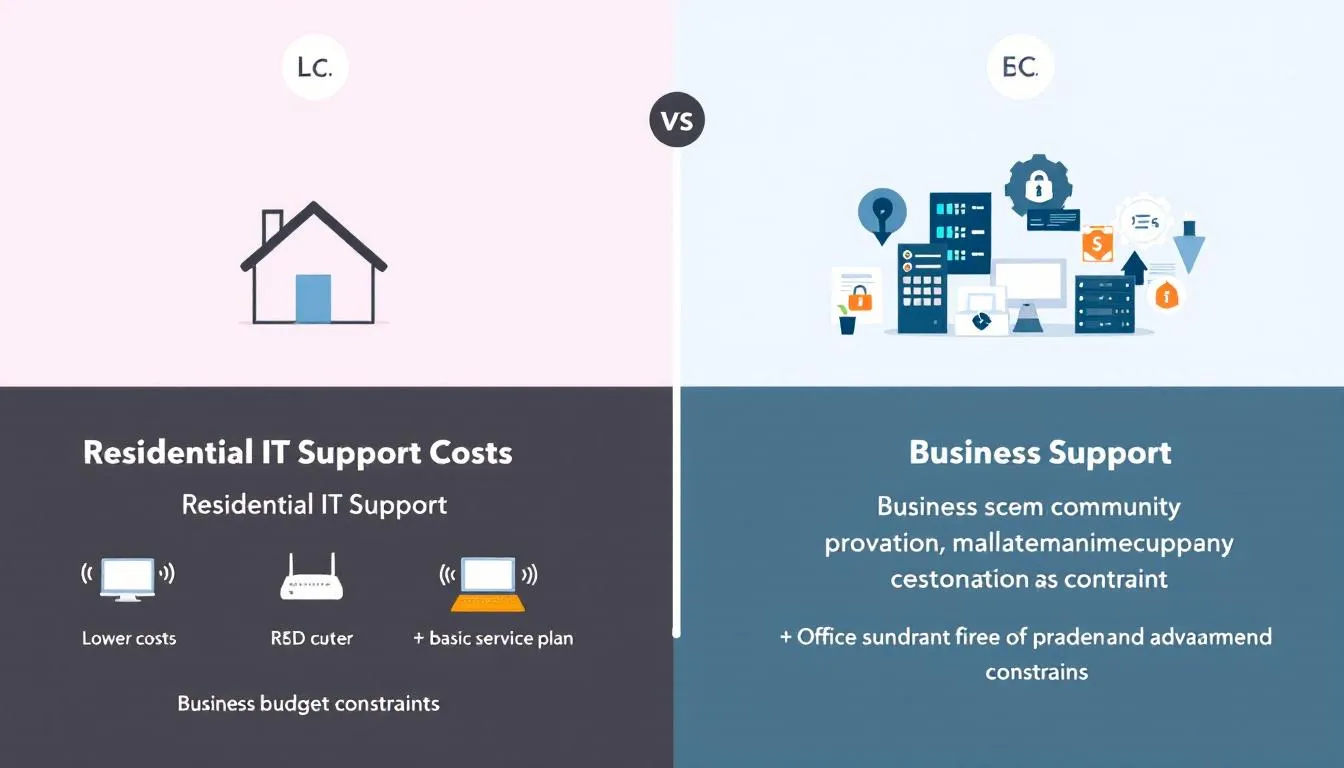
The cost implications of IT support models are a significant consideration for both residential users and businesses. In-house IT support comes with fixed expenses, including:
- Salaries
- Benefits
- Training
- Recruitment
- Tools
For example, a two-person IT team can cost over £50,000 a year, making in-house solutions quite expensive. Overhead costs such as ongoing education and evolving cybersecurity threats add to the financial burden, potentially leading to higher costs and expenses. Additionally, on-site IT support often incurs extra costs like vehicle rental for travel to client locations, further increasing overall expenses.
Outsourcing IT support is often pursued by companies primarily for cost reduction. The main benefits of managed IT services include:
- Utilization of a predictable monthly fee model, helping businesses avoid unexpected costs.
- Access to advanced tools and technologies, eliminating the need for constant upgrades by in-house teams.
- Typically charging monthly with a clear breakdown of services, making budget management easier.
The flexibility in scaling resources according to business needs offered by an outsourced provider for IT services avoids costly expansions and provides predictable monthly costs, reducing financial uncertainties compared to maintaining an in-house team. Managed service providers can respond to IT issues more quickly, which can reduce potential downtime and associated costs, leading to significant cost savings.
Expertise and Resources
Business IT support often employs specialized personnel with extensive experience in various IT disciplines, unlike residential support. In-house IT support also requires ongoing training for employees and managing staff turnover, which can be resource-intensive. This specialization allows businesses to access a wider range of expertise and more effective problem resolution. Custom software development and IT security expertise are vital for businesses, which may not be available in residential support.
Outsourced IT support provides access to a broader range of it experts and expertise compared to in-house teams. Larger companies often leverage cloud computing for resource efficiency, freeing them from the challenges of physical server management. In-house IT teams often have knowledge limited to their specific business experiences, which can put companies at a disadvantage.
Availability and Response Times
One of the key differences between residential and business IT support is the availability and response times. Outsourced IT support providers typically offer 24/7 coverage, which is crucial for businesses expecting round-the-clock assistance. This ensures rapid assistance for critical issues, with response times ranging from 15 minutes for urgent matters to 24-48 hours for lower-priority requests.
In contrast, residential IT support is often only available during business hours, limiting assistance to a 9-5 schedule. This can be inconvenient for homeowners who encounter technical issues outside of these hours. The high demand for business IT support necessitates a more robust and responsive service model to address issues promptly and minimize downtime.
Security Measures
Security measures are a critical aspect of IT support, particularly for businesses handling sensitive information that aids in their support operations . Key components include:
- Implementing robust security protocols, such as encryption and intrusion detection systems
- Offering these protocols as fundamental services in outsourced IT support
- Having a clear incident response plan to effectively manage data breaches
- When businesses outsource IT support, they must carefully evaluate providers to mitigate potential security risks.
- Ensuring compliance with notification laws through the incident response plan
Dedicated risk assessments conducted by outsourced IT providers help identify potential vulnerabilities in an organization’s IT framework. These assessments are essential for maintaining high security standards and protecting sensitive business information from potential threats.
Customization and Scalability
The scalability of outsourced IT services allows businesses to adapt their compliance efforts as they grow or change operational practices. Managed IT service providers can rapidly scale their services to accommodate business growth or changes in demand, providing a flexible solution for expanding digital infrastructure.
Businesses can customize their IT support packages to align with their current and anticipated needs. This flexibility is crucial for growing businesses that require IT services and it systems that can evolve with their challenging needs to support companies effectively as the business grows through business partnerships.
While in-house IT teams provide greater full control over resources, outsourced IT services offer scalability without the need for costly expansions.
Physical Presence and Remote Support
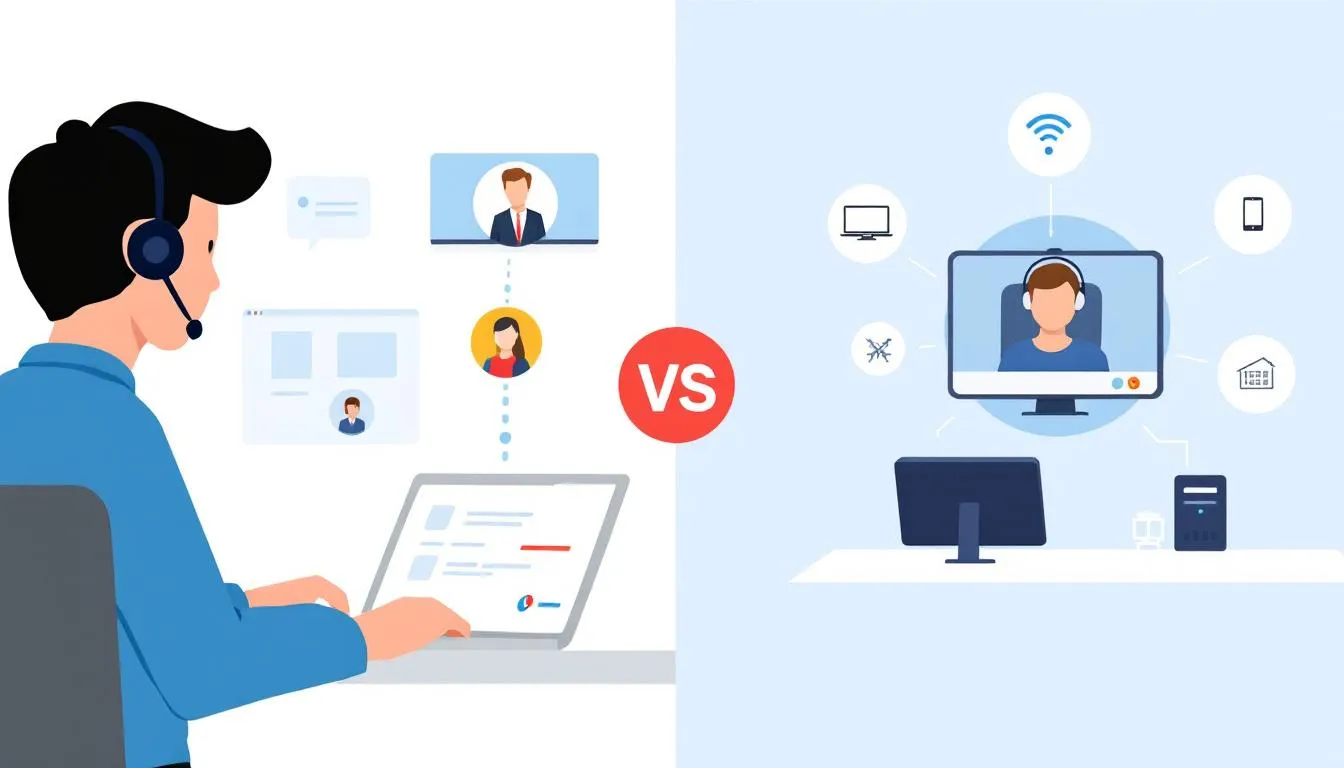
Both physical presence and remote support offer unique advantages in IT support. On-site IT support can ensure immediate assistance for urgent technical issues that require physical intervention, especially when a support person is physically present. This is particularly important for addressing physical hardware issues that cannot be resolved remotely, such as equipment setup, and we can provide technical assistance when necessary. Additionally, face to face interactions can enhance communication and problem-solving during these situations.
In-person IT support facilitates hands-on troubleshooting, allowing agents to directly manage devices without needing to guide users through instructions. However, remote IT support offers access to a broader range of talent, as agents can work from any location, improving staffing flexibility. Remote support often results in quicker response times because agents can assist from anywhere without geographical limitations. Some remote support models, however, primarily focus on reactive fixes, addressing problems only after they arise, which may not be sufficient for businesses that require proactive monitoring and prevention.
Combining both remote and on-site IT support provides the best of both worlds: immediate physical help when needed and flexible, faster remote assistance for other issues. This hybrid approach ensures comprehensive coverage for all types of technical problems.
Company Culture and Values
Company culture significantly influences the effectiveness of business IT support, fostering long-term partnerships. An in-house IT team can integrate well with company values and priorities, improving overall productivity. Understanding how well the IT helpdesk provider fits with the support team is crucial for seamless collaboration.
Having an in-house IT team can lead to quick resolution of HR problems, positively impacting the company culture. However, choosing the right outsourced IT provider that aligns with your company values and your internal team can also enhance business operations and ensure a harmonious working environment.
IT Support Strategy
Developing a robust IT support strategy is essential for businesses aiming to keep their IT systems running efficiently and to address technical issues before they impact operations. A comprehensive strategy should start with a clear service level agreement (SLA), which defines the scope of support services, expected response and resolution times, the level of technical assistance provided, and proactive monitoring to identify and address issues before they affect operations. This ensures that both the business and the IT provider are aligned on expectations and accountability.
Outsourcing IT support can offer significant cost savings, especially for businesses that want to avoid the expenses associated with maintaining an in-house team. By leveraging outsourced IT support, companies gain access to specialized expertise and the flexibility to scale IT resources up or down as their needs change. This is particularly beneficial for growing businesses or those with fluctuating demands on their IT systems.
When crafting an IT support strategy, it’s important to consider several factors, including company culture, the need for a physical presence, and the technical expertise required to support your IT infrastructure. For some organizations, having an in-house team that aligns closely with company values and is physically present may be a priority. For others, the benefits of outsourcing—such as access to a wider talent pool and advanced support services—may outweigh the desire for direct control.
By weighing the key differences between in-house and outsourced IT support, businesses can make an informed decision that best fits their operational needs, budget, and long-term objectives. A well-defined IT support strategy not only ensures that technical issues are addressed promptly but also supports the overall efficiency and resilience of the company’s IT resources.
Choosing the Right IT Support
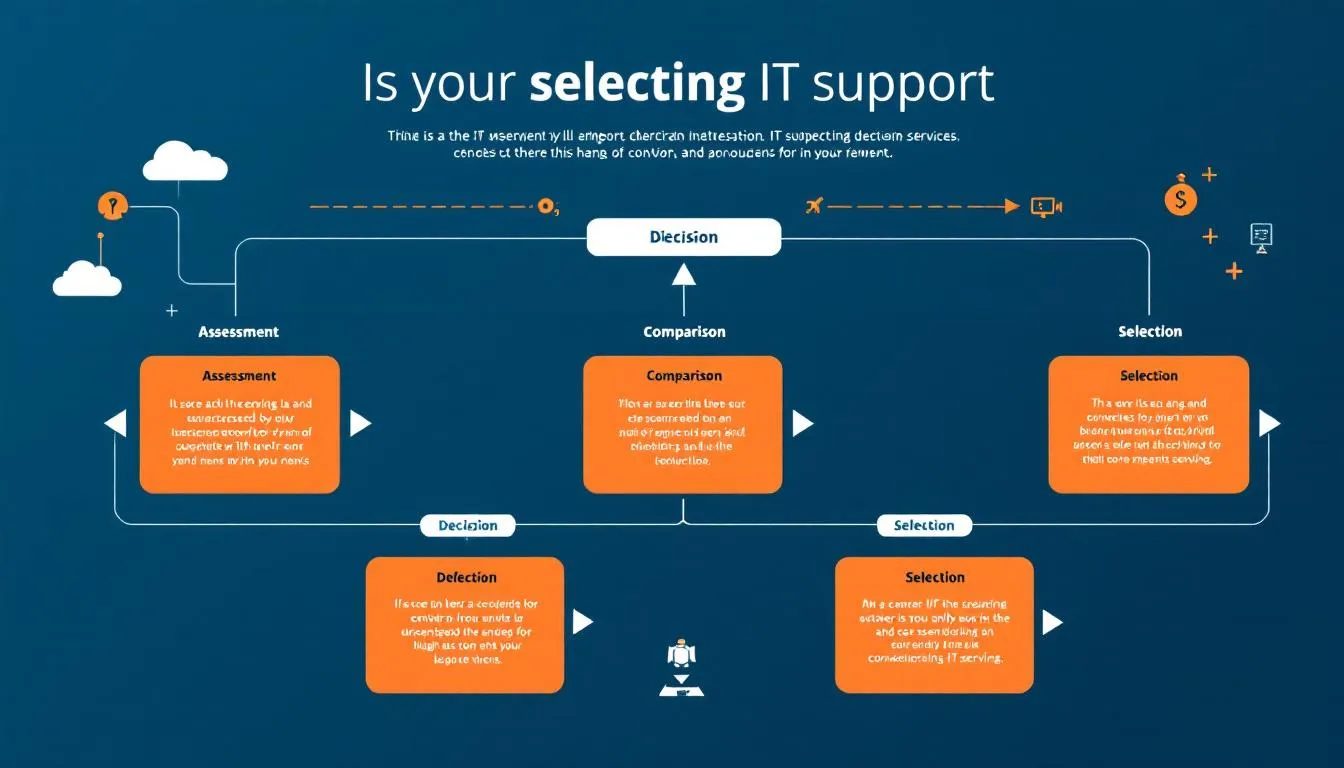
Choosing the right IT support involves considering several factors, local variables, the size of the corporation, and specific needs. When changing IT providers, it’s crucial to assess the organization’s needs and look for IT companies that provide clear recommendations, Google reviews, and connections to current or former clients.
A good outsourced IT company should be able to provide evidence of their credibility, such as accreditations and client testimonials. Consider the pros and cons of both on-site and remote IT support, such as availability, response time, and the nature of issues, to make an informed decision.
It’s also important to note that outsourced support can have disadvantages, such as potential communication barriers or less direct oversight compared to in-house teams.
Summary
In summary, understanding the key differences between residential and business IT support is crucial for many businesses in making informed decisions. Residential IT support focuses on individual tech needs, while business IT support involves comprehensive services like cloud management and cybersecurity. Cost, expertise, availability, security, customization, and company culture are all factors that differentiate these types of IT support.
Whether you need tech support for your home or your business, knowing what to expect from each type of service can help you choose the right solution. By considering your specific needs and the benefits of each support model, including hardware support you can ensure your IT systems run smoothly and efficiently.
Frequently Asked Questions
What is the difference between managed IT services and in-house IT?
Managed IT services offer specialized expertise across various technologies, while in-house IT teams have a deep understanding of your specific systems and infrastructure. It’s all about whether you prefer broad expertise or tailored support for your unique needs.
What are the common services provided by residential IT support?
Residential IT support typically offers services like computer repairs, setting up home networks, data recovery, and virus removal. These services can help keep your tech running smoothly at home.
How do SLAs benefit businesses?
SLAs help businesses by clearly defining service expectations and performance standards, which fosters accountability and enhances service delivery. This clarity ultimately leads to better relationships and smoother operations.
Why is outsourcing IT support cost-effective for businesses?
Outsourcing IT support is cost-effective because it eliminates the need for maintaining a full-time in-house team while providing predictable monthly expenses and access to advanced technologies without hefty upfront costs. This way, you can focus more on growing your business instead of worrying about IT.
What are the advantages of remote IT support?
Remote IT support is great because it provides faster response times and access to a wider pool of talent, making it easier to get help from anywhere. This flexibility can really boost your team’s efficiency.
Need Tech Help Now?
Get expert remote support for $150 per issue, no contracts and no hidden fees.
Schedule Your Session: https://bookings.direct-support.com/#/book or visit Direct-Support.com to get started.