
When it comes to cybersecurity, knowing the difference between malware and viruses is essential. Malware includes any harmful software, while a virus specifically infects and replicates through files. In the context of “malware vs virus what’s the difference how IT support handles both and the distinction between malware and a virus ,” how does IT support manage these threats? This article will explain the differences and show how IT support effectively manages both.
Key Takeaways
- Malware is a broad category of malicious software, while a virus is a specific type of malware that requires execution to spread and replicate.
- Effective IT support employs multi-layered security strategies, including endpoint detection, antivirus software, and user education, to combat malware and virus threats.
- Preventative measures against malware and viruses involve regular software updates, safe browsing practices, and routine backup protocols for data recovery.
Understanding Malware and Viruses
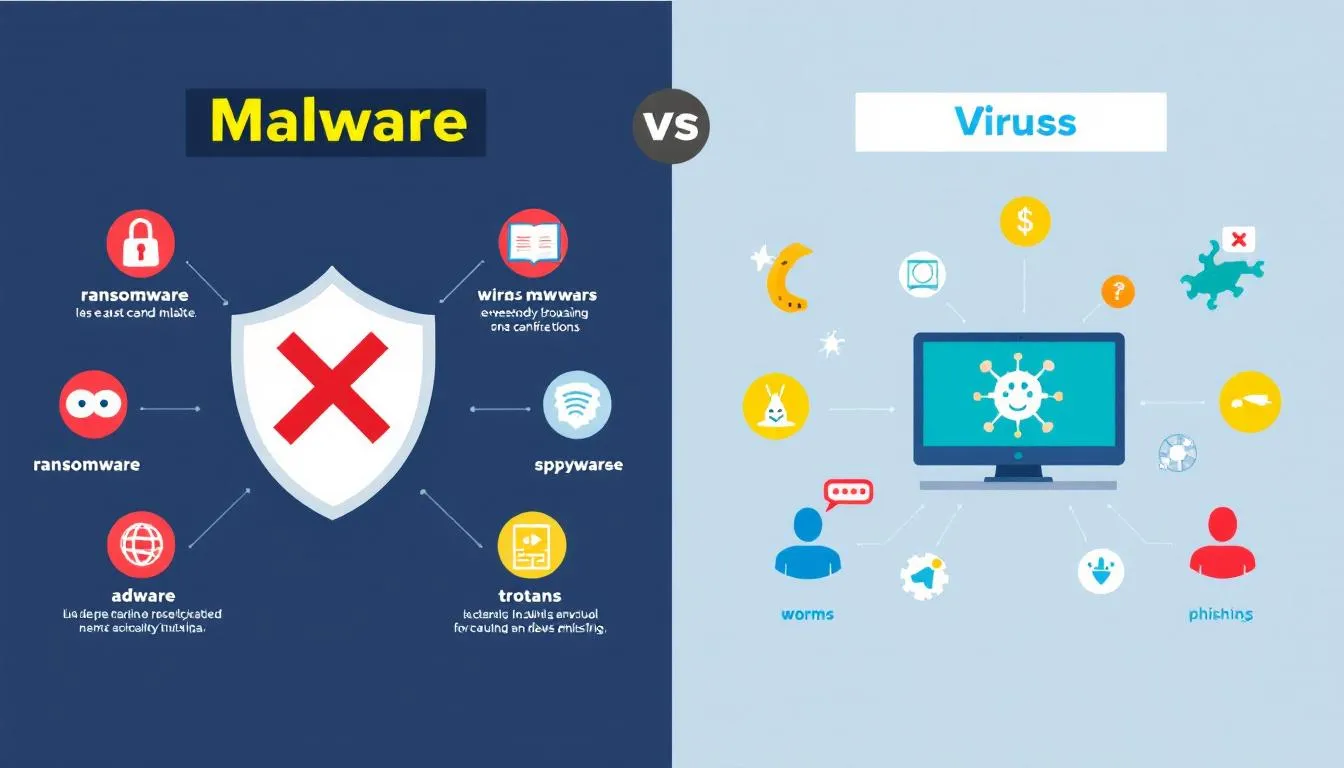
Malware and viruses are often used interchangeably, but they are not the same thing. Malware is a broad term that encompasses various types of malicious software, including malicious code, designed to disrupt, damage, or gain unauthorized access to a system, including malicious programs.
When discussing malware vs viruses, it’s important to note that malware refers to the entire category of malicious software, while viruses are just one specific type within that category. The terms malware are sometimes misused, with many people incorrectly using ‘malware’ to mean only viruses, but accurate terminology is important for understanding and addressing security threats.
On the other hand, a virus is a specific type of malware that replicates itself by attaching to legitimate files and requires execution to spread. Most malware today, however, is not classified as traditional viruses, but instead includes other forms such as ransomware, spyware, and trojans. Understanding the difference between malware and viruses is crucial for developing effective security strategies and protecting your systems from cyber threats.
What is Malware?
Malware is any type of harmful software designed to harm systems or users. The definition of malware encompasses various types of malicious code that cybercriminals use to steal data, destroy files, corrupt systems, or perform malicious activity such as RAM scraping to steal credentials and credit card details. Different types of malware can steal sensitive data, destroy files, or corrupt systems. Malware can be categorized based on its purpose and methods of operation, including:
- Ransomware
- Spyware
- Trojans
- Worms
- Adware.
Malware has the capability to infect different kinds of devices, including the user’s device. These include desktops, laptops, smartphones, and IoT devices. It can end up on your computer by opening unsecured email attachments or visiting infected websites. The methods of infection are diverse, making it essential to have robust malware protection and to stay vigilant against potential malware attacks.
What is a Virus?
A virus is a type of malicious software that replicates itself. Viruses are harmful programs that attach themselves to legitimate files. They replicate when those files are executed. They require user or system execution to spread, meaning that a computer virus needs to be activated by a user action, such as opening an infected file or clicking a malicious link.
Once activated, viruses can cause significant damage, including corrupting files, taking control of system functions, and disabling security protocols. Viruses spread by attaching to a host file and executing when that file runs.
There are also specific types of viruses, such as web scripting viruses, which target web-based environments and use scripting languages to infect or manipulate web browsers and servers.
The potential damage caused by a virus includes lost files, hacked accounts, and device damage, making it a serious threat to any infected system.
Key Differences Between Malware and Viruses

While malware is a broad category of malicious software, a virus is a specific type of malware with the following characteristics:
- It can replicate itself.
- It specifically infects files.
- It requires execution to spread. This contrasts with other malware that can propagate through methods like phishing.
Understanding the differences between malware and viruses affects security measures, shapes defenses, and guides resource allocation.
Behavior and Propagation
Viruses need user action to activate, spreading by attaching to legitimate files and executable programs. They propagate by modifying existing files and injecting code, following predictable file-infection patterns.
Unlike viruses, some malware types, like self replicating worms, can self replicate autonomously across networks without requiring user activation.
Infection Methods
Viruses are often dormant until triggered by the user opening an infected file or clicking a malicious link. A virus activates when a victim activates the infected application or file. Unlike other forms of malware, viruses require user action to infect a system. Cybercriminals utilize multiple strategies to deliver malware and other programs , including phishing attacks and malicious downloads.
Unlike viruses, which depend on user interaction, malware can also spread without any user intervention.
Impact on Systems
Both malware and viruses can cause significant damage, disrupting system functionality and compromising data with malicious functionality. Known malware attacks vary in consequences; some, like ransomware, are designed for financial extortion, while others aim to disrupt system operations.
A virus can corrupt files, take control of system functions, and disable security protocols once activated. Viruses traditionally aim to corrupt files, display messages, or slow down systems, which can severely impact overall system performance.
Common Types of Malware
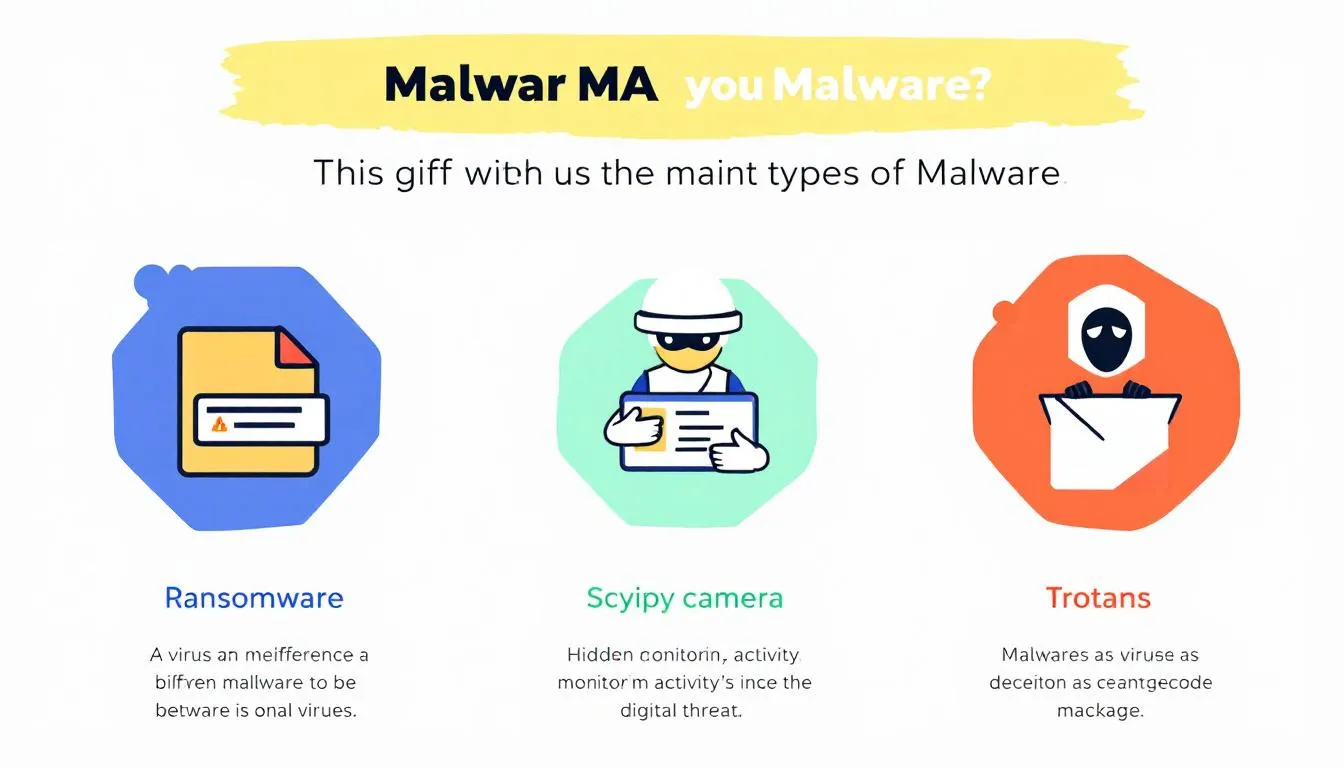
Malware can be classified into various types based on its functionality and the methods it employs, including removable media . Malware encompasses a wide range of malicious software, including viruses, ransomware, and spyware. Different types of malware include:
- viruses
- worms
- trojans
- adware
- spyware.
The behavior of modern malware often pursues concrete goals such as data encryption and credential theft.
Ransomware
Ransomware attacks are a type of malware that:
- Encrypts files and demands payment for decryption.
- Can prevent organizations from functioning until the ransom is paid, with no guarantee of data recovery.
- Has a significant business impact, with recovery costs averaging millions.
- Typically spreads through phishing emails and social engineering scams, making it a prevalent threat.
During the COVID pandemic, new ransomware appeared almost every week, highlighting the increasing frequency and sophistication of these attacks. Paying the ransom does not guarantee data recovery; only 6.6% of ransomware victims eventually paid the ransom.
Spyware
Spyware is a type of malware designed to secretly collect sensitive data from users’ devices. It can operate on mobile devices, tracking user data across various applications, not just web browsers. Spyware poses a significant threat as it can steal other sensitive data and sensitive information without the user’s knowledge, leading to data breaches and other cyber threats.
Trojans
Trojans deceive users by masquerading as legitimate software. They often hide within legitimate software, making them difficult for users to identify until they are activated. Trojan horses can perform various malicious activities once activated, including stealing data, installing additional malware, and creating backdoors for unauthorized access.
Common Types of Viruses
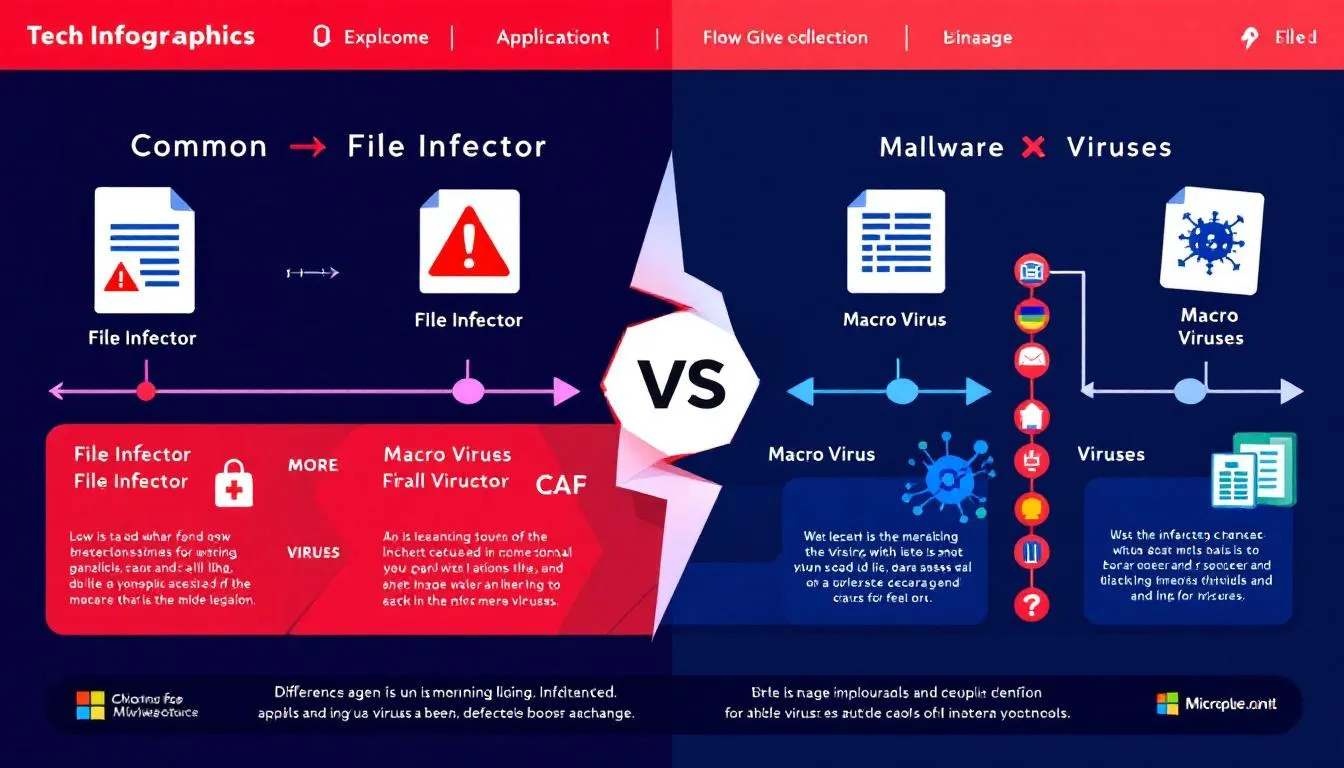
Different types of computer viruses spread and cause damage in various computer systems ways. Common types of viruses include file infector viruses, macro viruses, and boot sector viruses. File infector viruses specifically attach to executable files and spread upon execution.
Traditional viruses are known for causing widespread damage across systems.
File Infector Viruses
File infector viruses typically attach themselves to executable files. This enables them to spread when the infected files are run. They execute their code when the host file runs, facilitating their spread. File infector viruses are a type of malicious software that targets executable files, making them a common threat in the world of computer viruses and malicious files.
Macro Viruses
Macro viruses commonly exploit Microsoft Office Word and Excel to execute malicious scripts. These viruses specifically target applications that use macros to automate tasks. One recommended way to mitigate the risks posed by macro viruses is to turn off macros in applications unless absolutely necessary.
The integration of macro functionality in applications like Word and Excel can lead to significant security risks when exploited by macro viruses.
Polymorphic Viruses
Polymorphic viruses change their code with each infection, making detection difficult. They modify their code each time they infect a new file, complicating detection efforts. This ability to change and evolve makes polymorphic viruses a particularly challenging threat for antivirus programs to identify and eliminate.
Business Impact of Malware and Virus Attacks
The business impact of malware and virus attacks can be devastating, affecting organizations of every size and industry. Malware attacks—including those caused by computer viruses—can lead to the compromise of sensitive data, operational disruptions, and significant reputational damage. Not all malware is created equal; the effects of a virus malware attack depend on the type of malicious software involved and the level of robust protection in place.
Modern threats like fileless malware are particularly concerning for businesses. Unlike traditional viruses that attach their own code to legitimate files, fileless malware operates in memory, making it difficult for standard antivirus programs to detect and remove. This ability to evade detection allows malicious programs to remain active longer, increasing the risk of data breaches and other threats.
Malware spread often begins with infected websites, phishing emails, or the download of an infected file. Once inside a system, malicious files and scripts can execute a range of harmful activities—from displaying unwanted ads to encrypting critical data in ransomware attacks. Macro viruses, trojan horses, and spyware are just a few examples of the types of malware that can infiltrate business networks, each with its own method of attack and potential for damage.
Understanding the difference between malware and a virus is crucial for organizations aiming to defend against online threats. While malware encompasses a broad spectrum of malicious software, a computer virus is a specific type that self replicates by attaching itself to other programs or legitimate files. This distinction helps businesses tailor their security strategies to address both general and specific risks.
The financial consequences of malware and virus attacks can be substantial. Ransomware attacks, for instance, may force organizations to pay large sums to restore access to critical data, while the cost of recovering from data breaches and unexpected crashes can quickly escalate. Mobile devices are increasingly targeted by malware, underscoring the need for endpoint detection and protection across all platforms.
To mitigate these risks, organizations must employ multiple methods of defense. Keeping antivirus software and other security tools up to date is essential for detecting and removing known malware. User education is equally important, as user interaction—such as clicking on phishing emails or downloading suspicious files—remains a common way for malware to enter a system. Regular software updates, network segmentation, and comprehensive backup and recovery plans further strengthen an organization’s ability to withstand and recover from malware and virus attacks.
In summary, the business impact of malware and a virus extends far beyond immediate technical issues. By understanding the difference between malware and viruses, and by implementing layered security measures—including antivirus programs, endpoint detection, and user training—organizations can reduce the risk of malware spread and protect their critical data from a wide range of online threats.
How IT Support Handles Malware and Virus Threats
IT support teams often rely on multi-layered security strategies to combat malware and virus threats. Employing multiple layers of security can effectively address various attack methods and significantly decrease the chances of infections. A key method for protecting against malware and viruses includes keeping the operating system updated.
IT support teams must prioritize defending against these threats to ensure system integrity and critical data safety.
Endpoint Detection and Response (EDR)
Endpoint Detection and Response (EDR) solutions are crucial in identifying and mitigating malware and virus threats. EDR tools enable real-time threat monitoring and provide immediate responses to detected anomalies.
Upon detecting a threat, EDR solutions can initiate automated responses to contain and eliminate the threat swiftly.
Antivirus Software
Antivirus software offers real-time protection and detects viruses, ransomware, spyware, worms, and trojans. These solutions typically offer the first line of defense by scanning for strange software and antivirus remove malware automatically.
However, antivirus programs may not cover all malware types effectively, and not all malware highlights the need for additional security measures against other threats.
User Education and Training
Effective user training significantly enhances an organization’s ability to prevent malware infections. Ongoing cybersecurity training is essential for employees to handle cybersecurity threats, including unwanted ads .
Multifactor authentication adds an extra layer of protection for web accounts, further securing users’ devices and data.
Preventative Measures for Malware and Viruses
Preventing malware and viruses requires a multi-stage defense strategy that includes understanding the various types of threats and employing multiple methods. Implementing layered defenses targeting specific attack vectors can enhance robust protection against malware and viruses.
Utilizing a non-administrative account for daily tasks can help prevent unauthorized malware installation. Being aware of signs of malware infection, such as performance issues and unfamiliar programs, is crucial for early detection.
Regular Software Updates
Timely software updates are crucial as they often contain security patches to fix vulnerabilities. Regular updates not only fix vulnerabilities but also enhance the overall security infrastructure of the system.
Automatically updating software can significantly enhance system security against malware threats and prevent unexpected crashes .
Safe Browsing Practices
Phishing emails are a common delivery method for malware attacks and online threats, so be cautious with email content. Always scan email attachments before downloading to ensure they are safe and block suspicious files to avoid downloading malware and drive by downloads. To avoid downloading malware, use official distribution platforms instead of peer-to-peer sharing sites.
Using reputable web browsers can enhance protection against potential malware threats. Restricting website permissions to access sensitive functions like location services is advisable unless absolutely necessary.
Backup and Recovery Plans
Regular backups are essential to prepare against the potential loss of data from malware attacks. Regularly scheduled backups are critical for data recovery in the event of a malware attack. Establishing routine backup protocols can significantly minimize data loss risks posed by malware and ransomware.
Summary
Understanding the differences between malware and viruses is crucial for developing effective security strategies and protecting systems from cyber threats. By recognizing the unique characteristics and infection methods of each, you can better prepare to defend against them. Combining multi-layered security strategies, including EDR solutions, antivirus software, and user education, can significantly mitigate the risks posed by these threats. With regular software updates, safe browsing practices, and robust backup and recovery plans, you can enhance your defenses and ensure your data and systems remain secure.
Frequently Asked Questions
What is the main difference between malware and viruses?
The main difference between malware and viruses is that malware encompasses a wide range of malicious software, whereas a virus is a specific type that replicates by attaching to legitimate files and requires user action to propagate.
How can I protect my system from malware and viruses?
To protect your system from malware and viruses, implement multi-layered security strategies, including antivirus software, application updates, and user education. Additionally, employ safe browsing practices and maintain robust backup and recovery plans for enhanced security.
What are some common types of malware?
Common types of malware include ransomware, spyware, trojans, worms, and adware. Understanding these can help you better protect your devices and data against potential threats.
How do viruses spread?
Viruses spread primarily by attaching themselves to legitimate files and executable programs, necessitating user action like opening an infected file or clicking a malicious link to activate. Thus, it is crucial to practice caution when interacting with unknown files or links.
What should I do if I suspect my system is infected with malware?
If you suspect your system is infected with malware, immediately disconnect from the internet, perform a full system scan with your antivirus software, and remove any threats identified. It may also be prudent to consult IT support for additional help in addressing the issue.
Need Tech Help Now?
Get expert remote support for $100 per issue, no contracts and no hidden fees.
Schedule Your Session: https://bookings.direct-support.com/#/book or visit Direct-Support.com to get started.